Join us at the Largest Global Breastfeeding Conference!
GOLD Lactation Online Conference 2024
April 2 - July 2, 2024
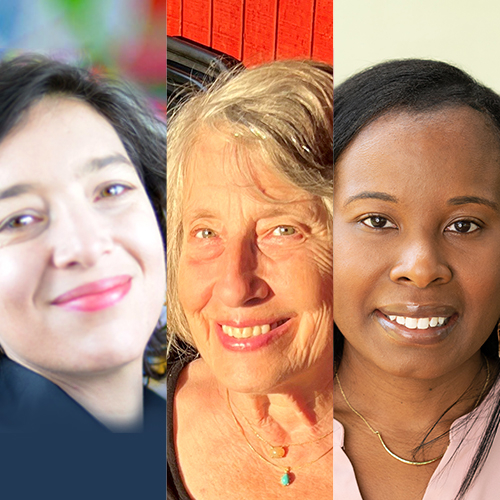
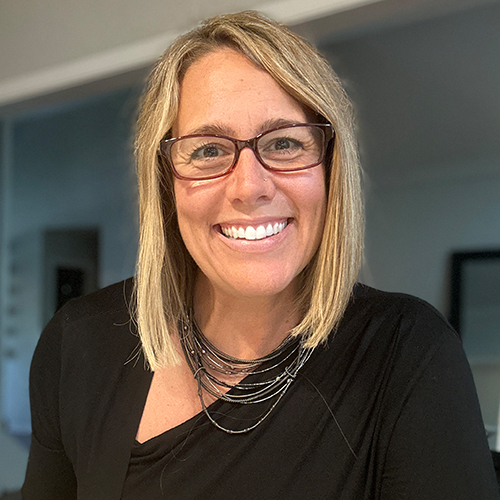
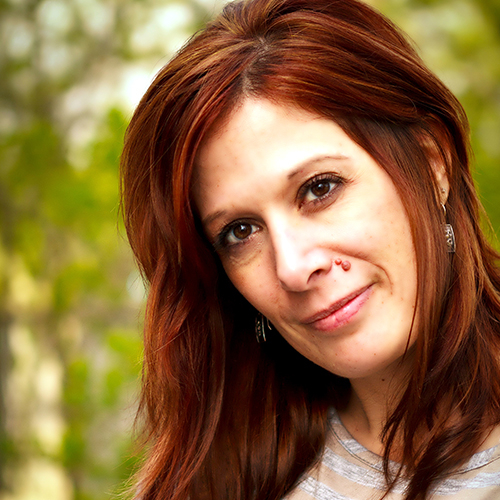
Hear from our GOLD Lactation Program Team
Informative, Convenient, Affordable and Interactive Learning to Support your Continuing Education Needs. Watch presentations at your own pace throughout the conference period.
Welcome to the 18th Annual GOLD Lactation Onlne Conference! We're eager to continue our work of exploring the latest research, honing clinical skills, and examining trends, new ideas and hot topics in the world of human lactation. This is an exciting time of new research and shifts in thinking and understanding within the field. Adding to the excitement are many exciting features such as interactive sessions to help develop critical thinking skills and shift our attendees from passive listener to active participant, new ways to engage with our speakers and with one another in our virtual environment during networking sessions. Join us for an amazing program of thought-provoking topics and speakers who will expand your knowledge and skills, combined with community and connection!
Join friends and colleagues at GOLD Lactation 2024 to gain new insights into solving latching problems, the nuances of clinical sucking skills, adapting care for neurodivergent parents, lab work for low milk production, the physiology of exercise and lactation, clinical case studies, the latest research and how to apply it to your practice and so much more! With expert speakers such as Jacqueline Kincer, Janiya Mitnaul Williams, Laurel Wilson, Megan Dunn, Dianne Cassidy, Mercedes Thomas, Nikki Lee, and Miranda buck to name just a few, this event is not to be missed!
Thank you for joining us at this year's online conference and making this event a lively experience for all! Don't forget to print your certificates by July 23.
We’re getting ready to mark the start of our GOLD Lactation Online Conference 2024 live on April 2 with an exciting Opening Keynote event with Jacqueline Kincer, IBCLC, CSOM!
Free public registration is available here: https://www.goldlactation.com/conference/speakers/keynote-presentation
Jacqueline is an experienced and active lactation support provider. She founded and works in private practice at Holistic Lactation. She also manufactures herbal supplements for lactation,...
It’s the 18th Anniversary of GOLD Lactation and we couldn't be any more excited about all the incredible experiences we have in store for you. For the past year, our team has been meticulously identifying the emerging hot topics, evidence-based research, and practice-changing clinical skills in the field of lactation. We've collaborated with researchers and knowledge-leaders from around the world...
GOLD Lactation Conference 2024 has applied for Continuing Professional Development credits. A total of 30.5 continuing education hours are available through the Main Conference and 27 hours through our Add-on Lecture Packs.
CERPs
IBLCE, International Board of Lactation Consultant Examiners
CME Credits
Continuing Medical Education Credits applicable to Physicians, Nurse-Midwives, Nurse-Practitioners
Nurse Contact Hours
American Nurses Association Massachusetts (ANCC) Continuing Nursing Education
 How GOLD Works
  Registration
  Group Registration Benefits
  Student / Volunteer Registration
  Conference Schedule
  Conference Speakers
  Topics & Abstracts
  Interactive Sessions
  Networking Sessions
  Continuing Education Credits
  Add-on Lecture Packs
  Virtual Exhibitors